
Buying Guide
How to choose a desktop inkjet printer for product coding.
Match the actual material, code size, power and editing workflow before choosing a model. Standard retail sets can be ordered through website checkout as a guest; complex applications need a specific material or integration check.
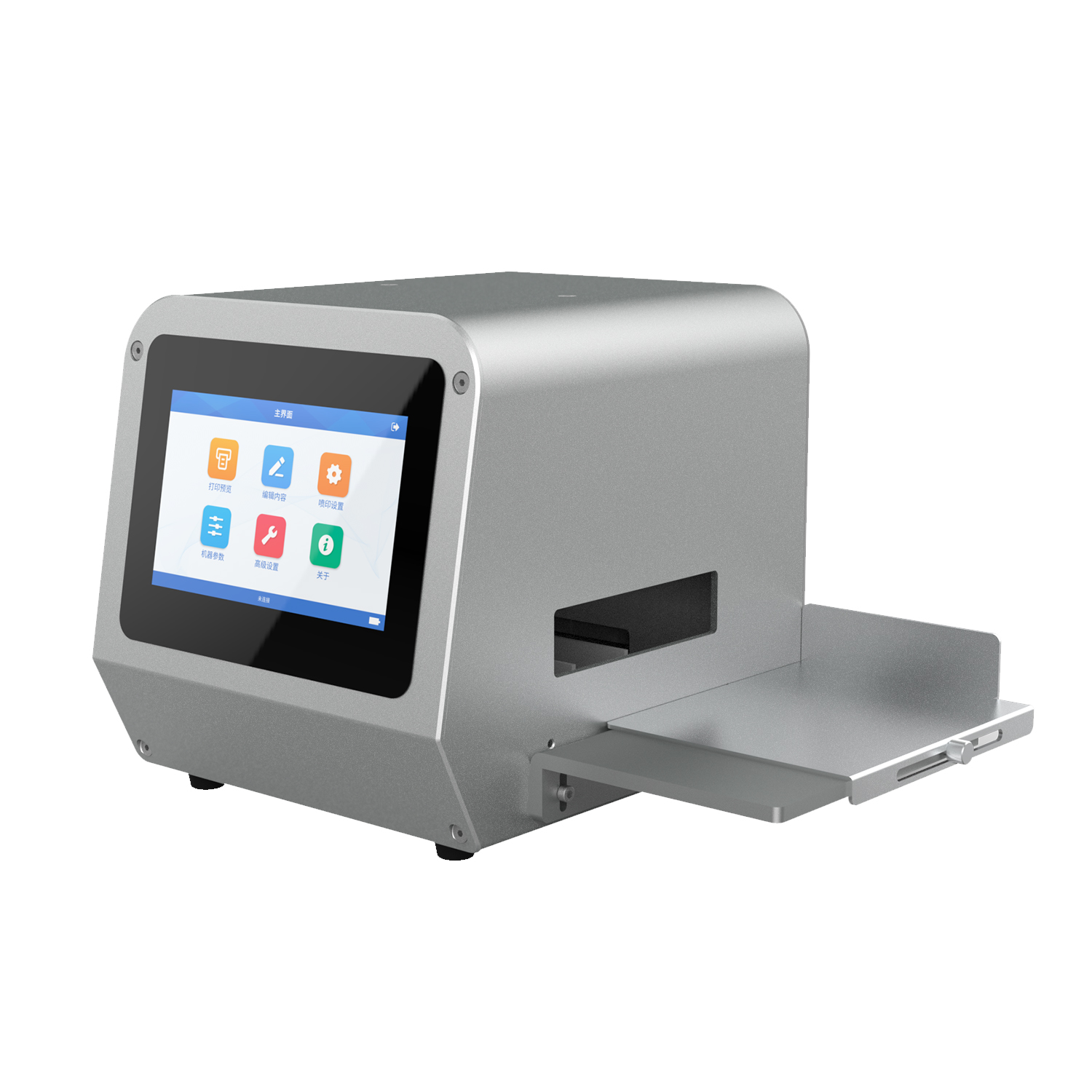
Start with the print job
Write down the exact surface and coating, printable width and height, text or code, smallest character size, daily quantity and destination. A QR code needs a test at the intended size and a scan with the intended reader. A product photograph alone cannot establish readable output or suitable ink.
Choose editing and physical setup separately
PX1 and PX1-M use app editing; PX2 and PX2-M use on-machine editing. Also check power, the fixture, trigger and usable print range. The source-aware comparison distinguishes documented differences and missing current-revision specifications. Do not assume the M models have identical interfaces or accessories.
Match the real surface to an ink
Ask for the ink SKU and a test on the actual coated or uncoated surface if adhesion, rubbing, refrigeration or water exposure matters. See the ink and material guide. No universal plastic compatibility or food-contact suitability is established by the current material examples.
Understand set price and checkout
Each current catalog price covers the printer, one standard cartridge and necessary accessories. Spare ink is optional. Choose a printer and enter your email and full delivery address. Guest checkout is available; an account is optional. For a standard order with configured shipping and tax rules, checkout calculates the total and opens PayPal Checkout immediately. Optional spare cartridges or accessories and destinations requiring a quote are saved for manual confirmation before payment. PayPal controls eligible card options. If payment cannot open, the saved order receipt provides a retry.
Review evidence before relying on a specification
PX1 body dimensions and nozzle-row resolution modes are confirmed by BOLENTAI; PX2 and PX2-M current print range, interfaces and packing lists still require formal confirmation. See the evidence register for the limits of existing print photographs. Confirm throughput with your product handling and actual content rather than treating a promotional speed as a guaranteed output rate.